Load an OSDP application key
In order to operate in secure mode you may need to load your OSDP key into your VTAP reader, using one of the 9 available application key slots.
This follows the same approach as when you first uploaded mobile pass key files.
-
Save the application key you need to use in a file, with the name appkey#.txt, where # is replaced with a number from 1 to 9. Each text file should just contain one application key with 32 hex digits, for example, key=bd6a15d1039e7527edfd01f37a220f3e
Note: You cannot use more than 9 application key files.
-
Load your key by copying the file onto your VTAP reader. Just connect your VTAP reader to a PC via USB, so it appears as a mass storage device on the PC file system (unless disabled or locked), then you can drag and drop the files.
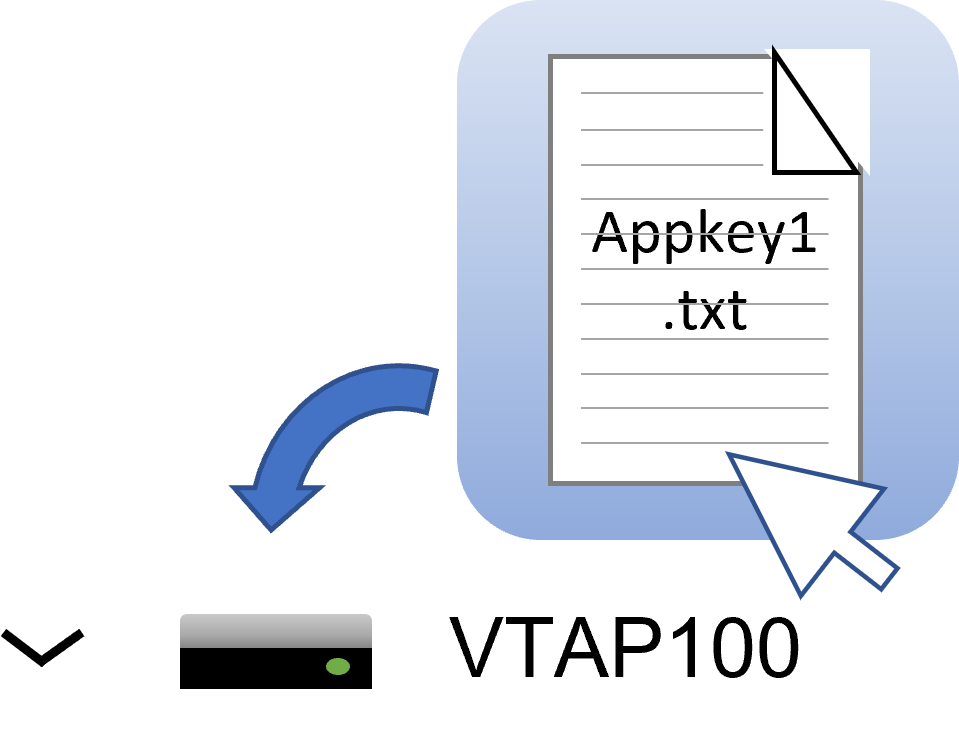
-
Power cycle the VTAP reader. (Disconnect or eject the drive from the PC then reconnect it.) When you reboot the VTAP reader your key will have been stored in hardware, and will no longer be listed as a file on the device.
When this is done remember to edit the config.txt file, using the setting Serial2OSDPKeySlot to point to the key you uploaded by its slot number. For example, if you uploaded a file called appkey3.txt, that file is in slot 3, so use Serial2OSDPKeySlot=3.
 Related reading:
